Knowledge
AI Knowledge is an intelligent knowledge management platform mainly used for centralized storage and management of various enterprise or team documents and materials.
- Combined with artificial intelligence technology, it helps users quickly search, understand, and use knowledge content. For example, employees can ask questions in natural language, and the system can automatically find relevant documents or answers.
- Supports permission management to ensure different roles can access different content.
- Enterprises can share experience more efficiently, accumulate knowledge, improve work efficiency, and also provide reliable knowledge support for AI models.
- Suitable for scenarios such as project management, customer service, and technical support.
🌟 Knowledge Agents and Tool Integration
Integrates various business Agents and tools for knowledge processing, fully supporting diversified knowledge management scenarios, including but not limited to the following application areas:
- AI Intelligent Retrieval: Quickly locate required knowledge content through natural language, significantly improving search efficiency
- AI Document Summarization: Automatically generate document highlights to help users quickly grasp core information
- Intelligent Q&A Support: Supports conversational interaction with enterprise knowledge to strengthen knowledge application capabilities
🌟 Multimodal Knowledge Content Management Capabilities
Supports management and accumulation of knowledge content in rich formats, meeting multi-level needs from individuals to enterprises:
- Private Knowledge Base Setup: Individual users can build exclusive knowledge spaces to achieve knowledge aggregation and intelligent invocation
- Enterprise-level Knowledge Base Management: Supports unified enterprise knowledge management and permission control, strengthening knowledge asset accumulation and sharing efficiency
- Supports Multimodal Data Access: Compatible with various knowledge formats such as text, images, PDF, and web pages, building a more comprehensive knowledge system
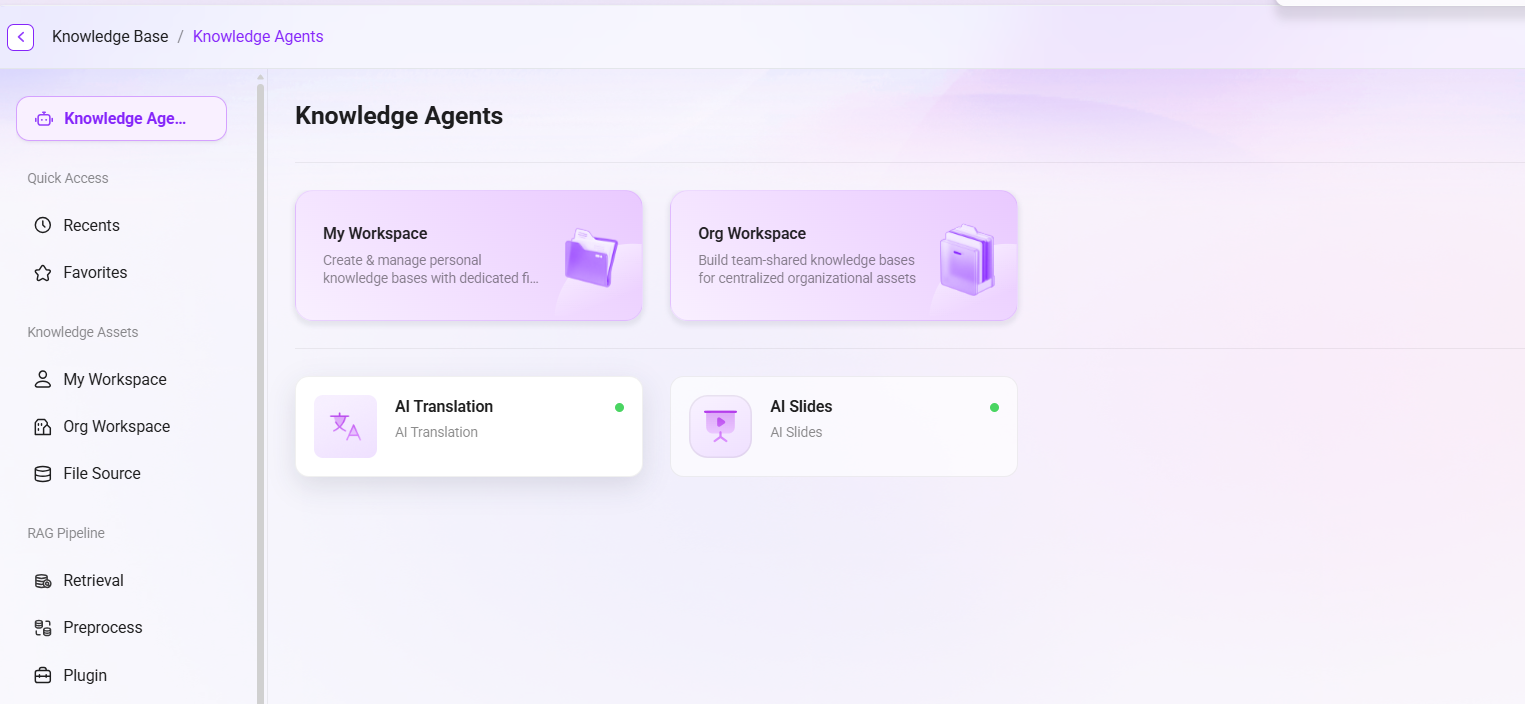
Knowledge Agent
The Knowledge Agent interface is used to centrally display and manage various intelligent agents created within the platform, helping users efficiently invoke AI capabilities and meet knowledge application needs in different scenarios.
Workspace Entry:
- The top of the page displays two entries: "My Workspace" and "Enterprise Workspace", corresponding to the user's personal agent management area and the organization-level unified management area respectively.
This interface supports modular expansion, allowing users to continuously add or update agents to adapt to more business needs. The overall layout is clear and concise, making it convenient for users to browse and quickly invoke.
Recently Used
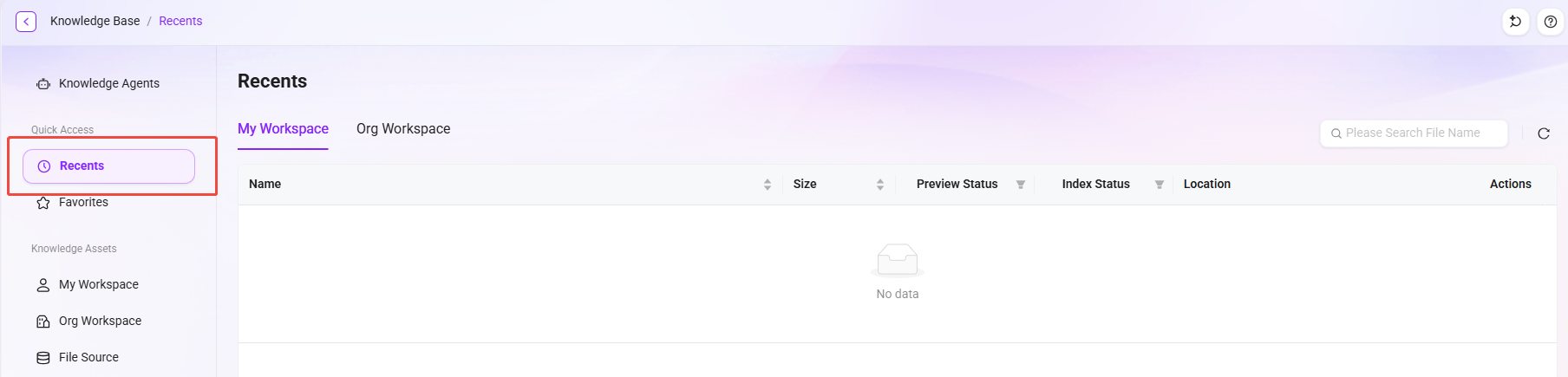
The "Recently Used" interface is designed with efficient access and management as its core concept, helping users quickly locate and open knowledge spaces and files used recently. The system automatically records the user's latest operation history and presents it in a clear list format, significantly improving the efficiency of daily work and knowledge management.
Space Categories: Divided into two categories: "My Space" and "Enterprise Space", making it convenient for users to distinguish between personal and team knowledge base content.
File List: Synchronously displays the list of recently used documents, including the following key information:
- File name
- File size
- Preview status and indexing status
- Storage location
My Favorites
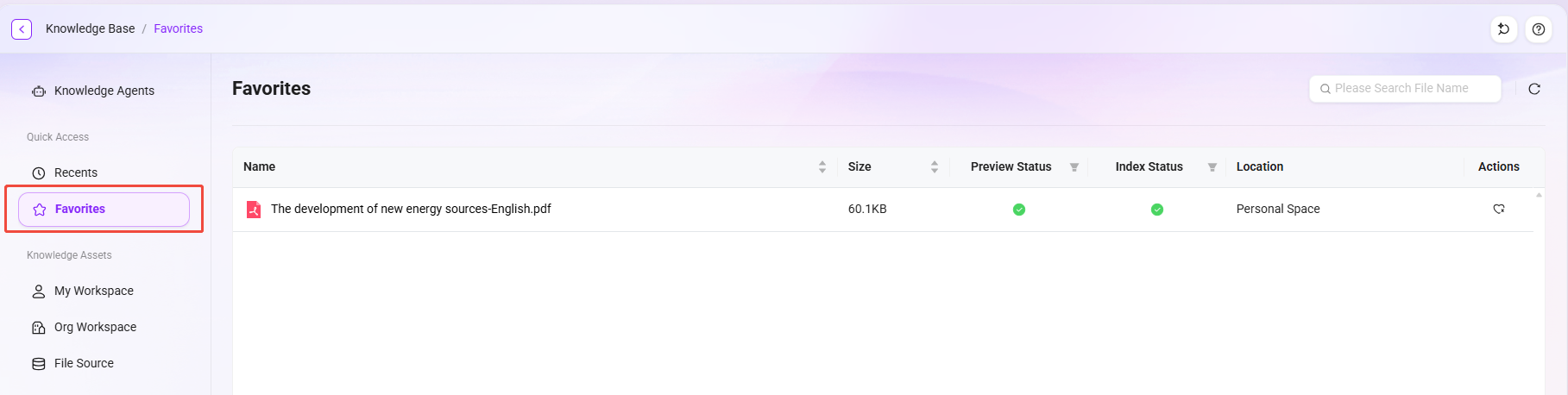
My Features are centered on efficient management and convenient access, supporting users in quickly adding important files to personalized favorites, enabling efficient organization and retrieval of key materials, and significantly improving work efficiency.
This feature breaks through file space barriers and supports cross-scenario favorites for both personal files and files in enterprise shared spaces. It not only meets personal knowledge management needs, but also empowers team members to conveniently share and collaboratively process core files, building a flexible and efficient collaboration ecosystem.
My Space
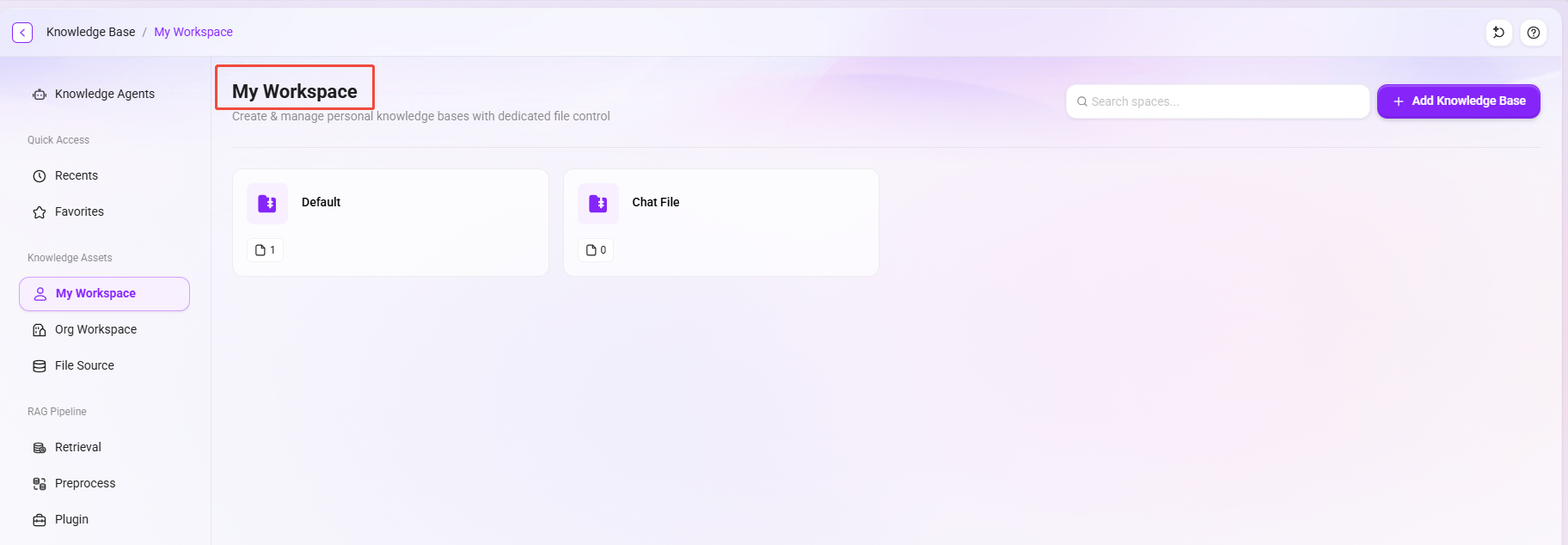
"My Space" is an integrated personal document management platform that initially provides two default system knowledge bases: Default Knowledge Base and Chat Files.
- Chat Files: Files uploaded during conversations with Agents are stored in this knowledge base by default.
- Default Knowledge Base: Preset with folders categorized by application and type for convenient classified management. These include:
- APP Application Folder: Corresponds to several AI applications on the platform—Deep Research, AI Translator, AI Reading, AI Writing, Super Agent—used to store files generated or used by each application.
- Multimedia Folder: Preset with Video, Image, and Voice folders for categorized storage of video, image, and audio files.
It mainly includes the following core functions:
- Knowledge Base Management: Supports creating and editing knowledge bases under personal space.
- Document Management: Supports operations such as creating folders, deleting folders, and moving files.
- Filtering and Sorting: Documents can be quickly filtered by file type, creation date, and other conditions, and can also be sorted by name, size, update time, and other dimensions.
- File Operations: Supports viewing properties, downloading, deleting, renaming, and other operations, and includes multi-select functionality.
Enterprise Space
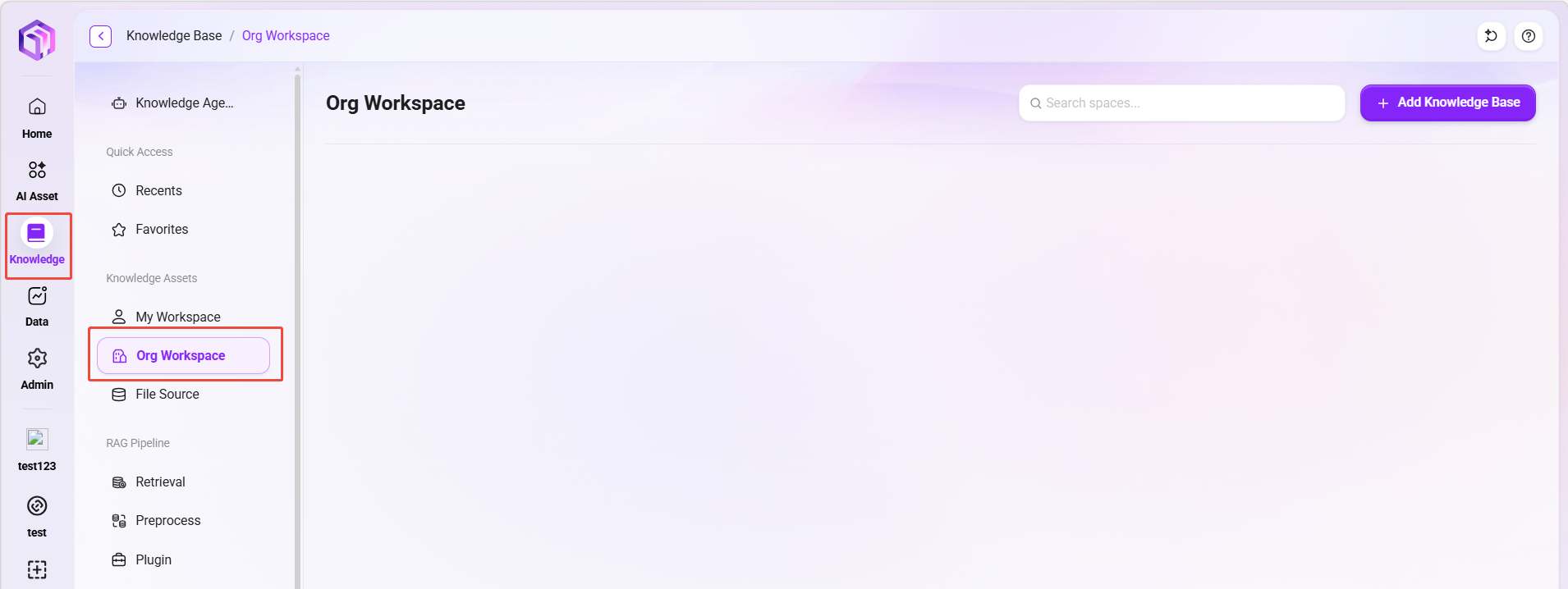
"Enterprise Space" is a shared space oriented toward team collaboration and unified knowledge governance, mainly used to carry organization-level knowledge bases, unified permission management, and cross-team knowledge accumulation.
Compared with "My Space" for personal use, Enterprise Space places more emphasis on collaboration, hierarchical management, and permission control, making it suitable for knowledge management scenarios across project teams, departments, or the entire company.
Core Capabilities
- Supports Hierarchical Knowledge Base Management: First-level knowledge bases can be created, and sub-knowledge bases can continue to be created under them, facilitating structured management by business domain, department, or project.
- Unified Permission and Role Control: Permissions such as view, edit, and manage can be assigned by role to ensure controllable access scopes for different members.
- Enterprise Knowledge Sharing and Reuse: Centrally manage standards, solutions, FAQs, and project documents to reduce repetitive communication and duplicate work.
Usage Process
- Click Add Knowledge Base in the upper-right corner of the page to create a first-level knowledge base.
- Continue adding sub-knowledge bases under the first-level knowledge base.
- Configure access permissions based on roles and members.
- Upload documents or bind file sources to complete knowledge accumulation and continuous updates.
- Use search and intelligent Q&A capabilities for knowledge retrieval and application.
File Source
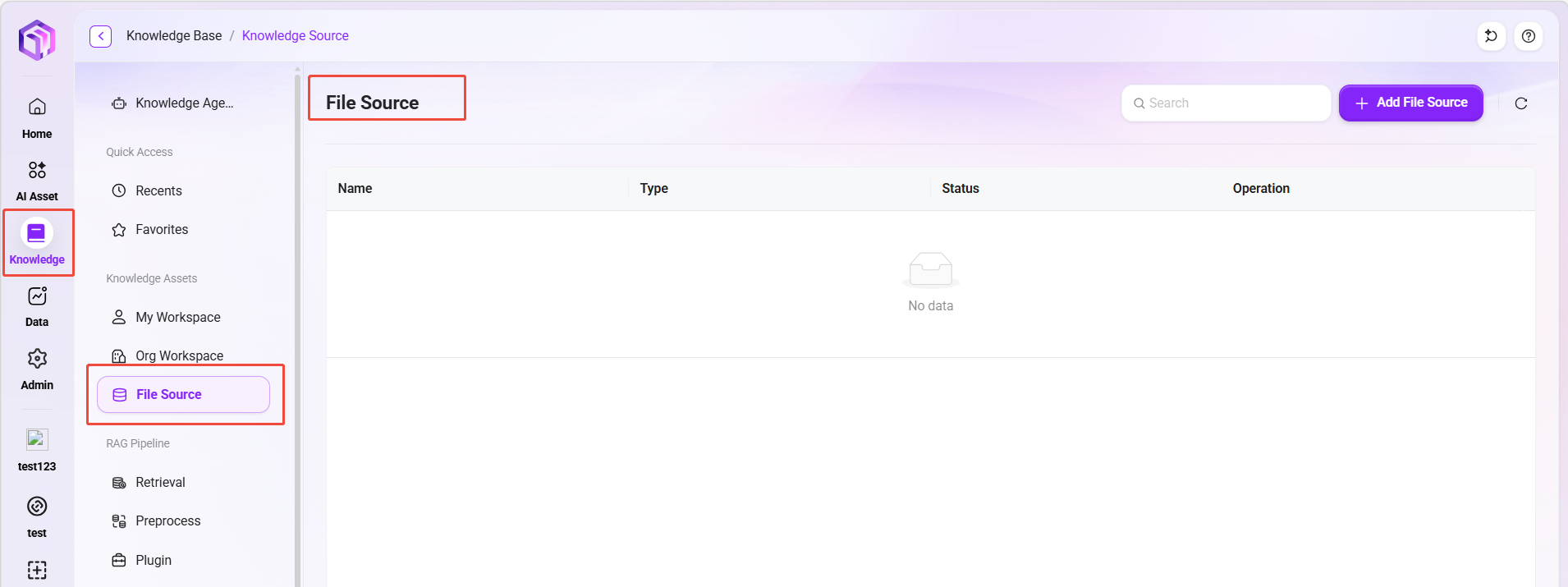
File Source is used to connect and synchronize documents and files from external cloud storage platforms (such as SharePoint and Google Drive), integrating third-party data sources into the knowledge base to achieve unified cross-platform content management and retrieval.
- Unified Access to External Documents: Centrally incorporate materials scattered across different cloud drives or collaboration platforms into the knowledge system.
- Automatically Synchronize Updated Content: Authorized data sources can synchronize newly added or changed files according to configured policies, reducing manual uploads.
- Improve Retrieval Coverage: After external documents are imported into the knowledge base, they can participate in search and Q&A, enhancing knowledge availability.
Usage Recommendations
- Prioritize configuring file sources for frequently updated business materials to avoid repeated maintenance.
- It is recommended to split file sources by business domain to facilitate permission isolation and subsequent management.
- If a file source is not authorized or the authorization expires, the corresponding content will not be synchronized properly.
💡 Tip: File sources are suitable for "continuous synchronization" material scenarios; for one-time file imports, directly uploading to the knowledge base is more efficient.
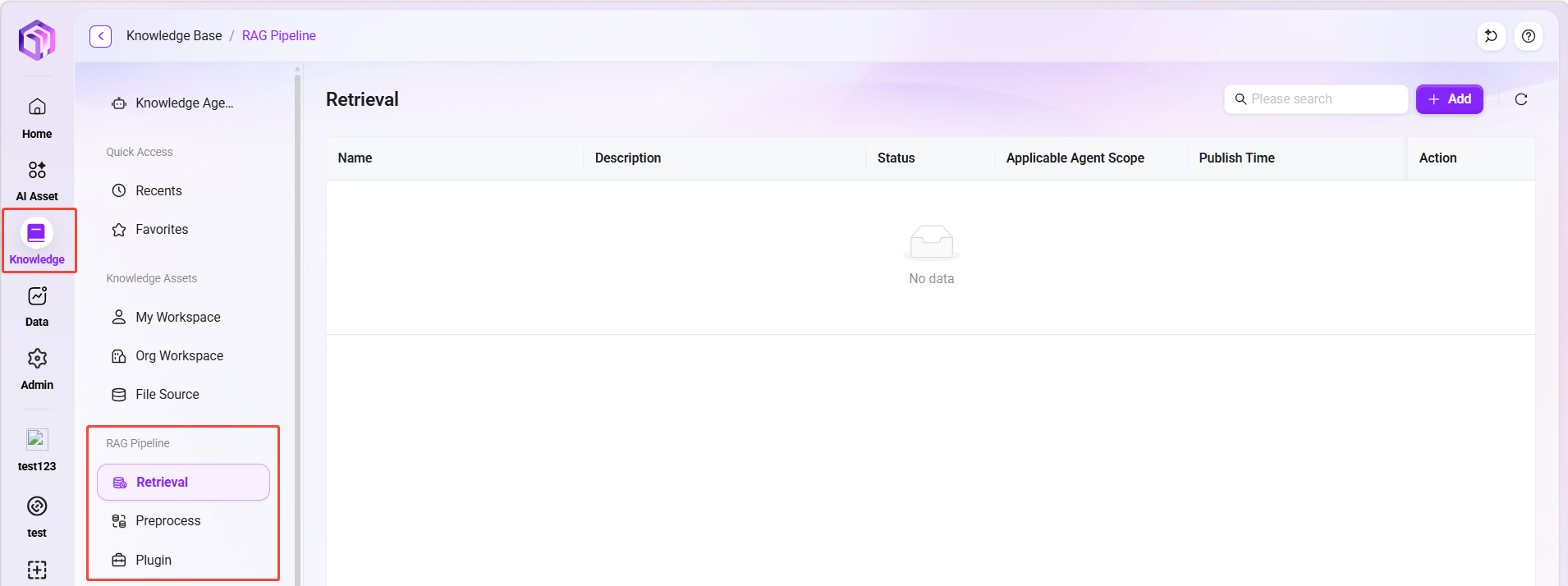
RAG Pipeline
RAG Pipeline is the retrieval-augmented processing chain in the knowledge space, used to orchestrate "document content processing" and "Q&A retrieval strategies" in a rule-based manner, helping the system output more stable and accurate answers under different file types and business scenarios.
- Unified Processing Rules: Configure consistent parsing and retrieval processes for different knowledge bases or document types.
- Improve Q&A Quality: Through a controllable processing chain, reduce retrieval deviation and improve answer relevance.
- Supports Scenario-based Expansion: Rules can be gradually adjusted according to business needs to adapt to different content such as technical documents, policy documents, and FAQs.
Applicable Scenarios
- Enterprises want different knowledge bases to adopt different retrieval strategies;
- Document types are complex and require differentiated processing rules by type;
- There are higher requirements for answer stability and maintainability.
Instructions for Use
- When creating a knowledge base, select Pipeline Mode to configure the corresponding Pipeline rules in the knowledge base settings.
- If the current scenario only requires standard retrieval capabilities, the basic mode can be used first; enable RAG Pipeline only when more refined retrieval control is needed.